Restore a wallet
There are two ways to get a wallet back: with your words, or with the help of the people in your Consensus Backup.
From your words
Section titled “From your words”You need the words and the password the wallet had when it was created.
-
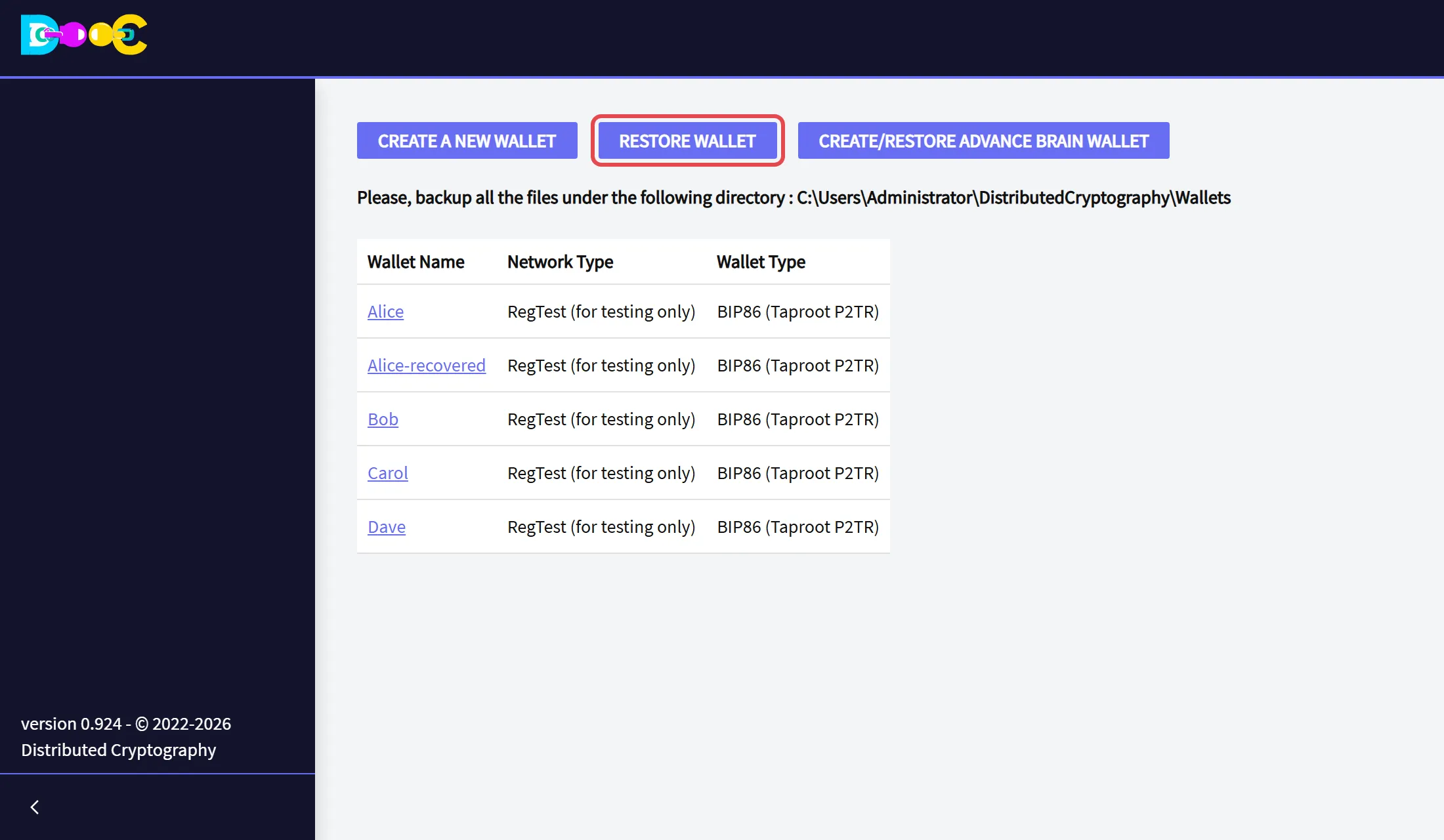
On the wallets page click Restore Wallet.
-
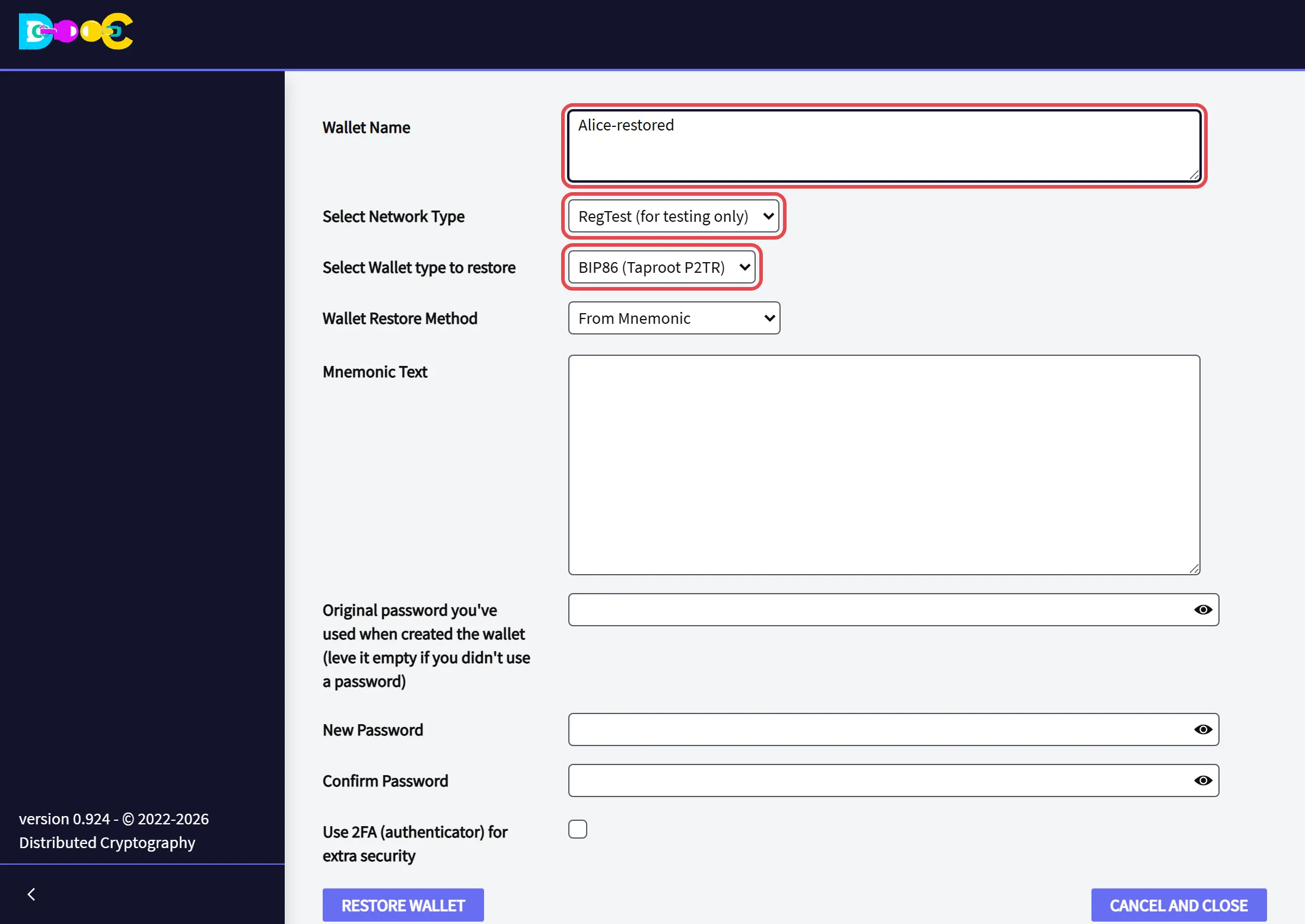
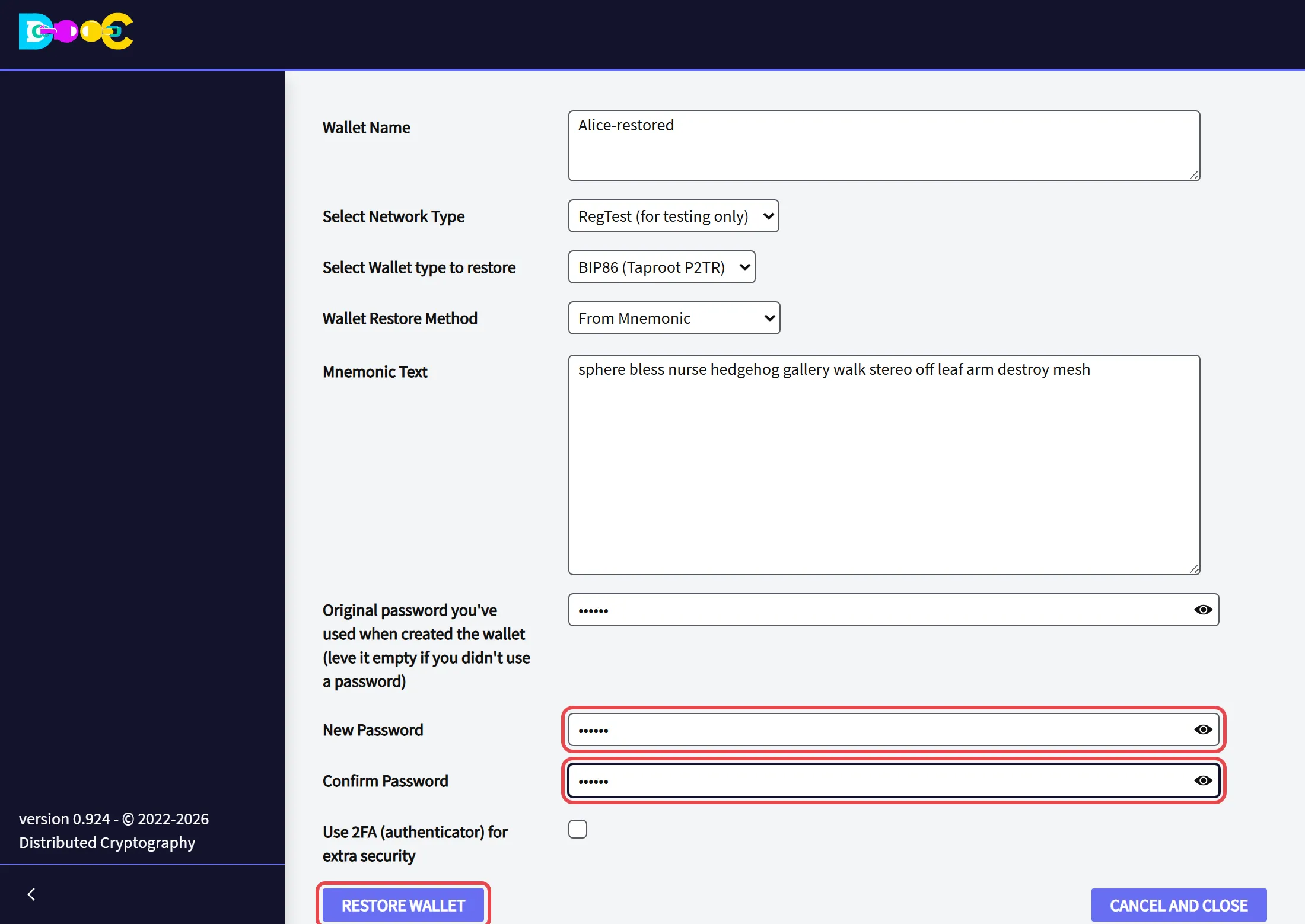
Type a name for the wallet, choose the network, and choose the wallet type. A wallet created with this application is BIP86 (Taproot P2TR).
-
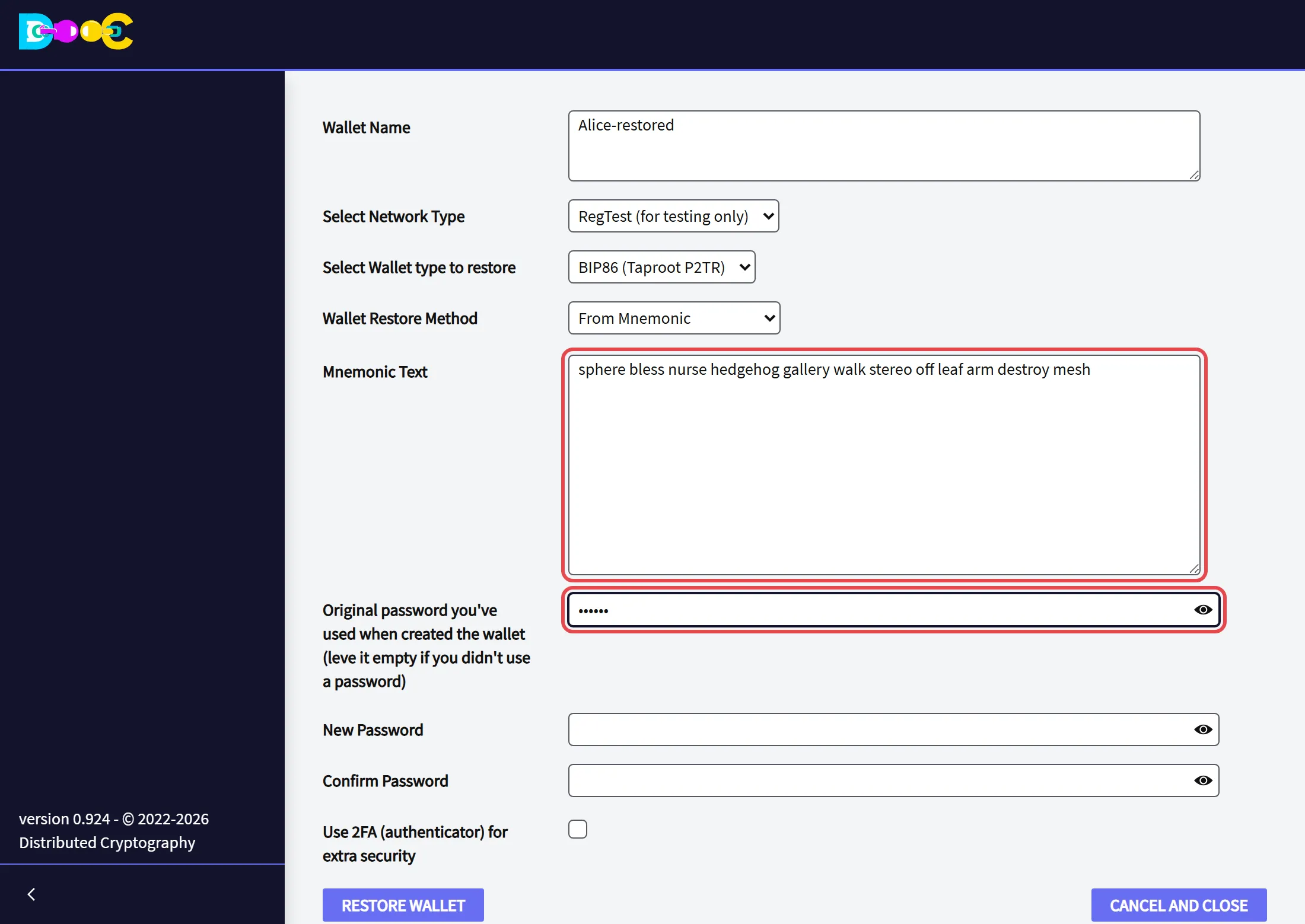
Leave the restore method on From Mnemonic and type your words, in order, separated by spaces.
-
In Original password you’ve used when created the wallet, type the password the wallet had when it was created.
-
Type the new password for this wallet, twice. It can be the same as before or a new one. Then click Restore Wallet.
The restored wallet appears in the list. Open it and click Update Balance.
After restoring
Section titled “After restoring”- Your bitcoin is back as soon as the balance is updated.
- Log in: you are the same user as before. Then use Recover contacts from server (in Contacts) and Recover groups from server (in Smart Groups).
- Your encrypted notes, files and passwords were stored in the wallet folder of the old computer. They come back only if you kept a copy of that folder.
From a Consensus Backup
Section titled “From a Consensus Backup”If you created a Consensus Backup, the members of the group can restore your wallet without your words. The minimum number of members you chose has to take part.
Wallets made with other software
Section titled “Wallets made with other software”Restore Wallet also imports other kinds of wallet. Choose the type that matches the wallet you have:
| Type | What it is |
|---|---|
| BIP86 | Taproot wallets (addresses that start with bc1p). Our default. |
| BIP84 | Native SegWit wallets (addresses that start with bc1q) |
| BIP49 | SegWit wallets with addresses that start with 3 |
| BIP44 | Legacy wallets (addresses that start with 1) |
| Imported WIF | One single private key in WIF format |
| Brain wallet | A classic brain wallet made with other software: one key made from a phrase. Not recommended. It is not the Advance Brain Wallet |
For the BIP types you can restore from the words or from a COLDCARD backup file. If the wallet had no passphrase, leave the original password empty.