Create QR codes
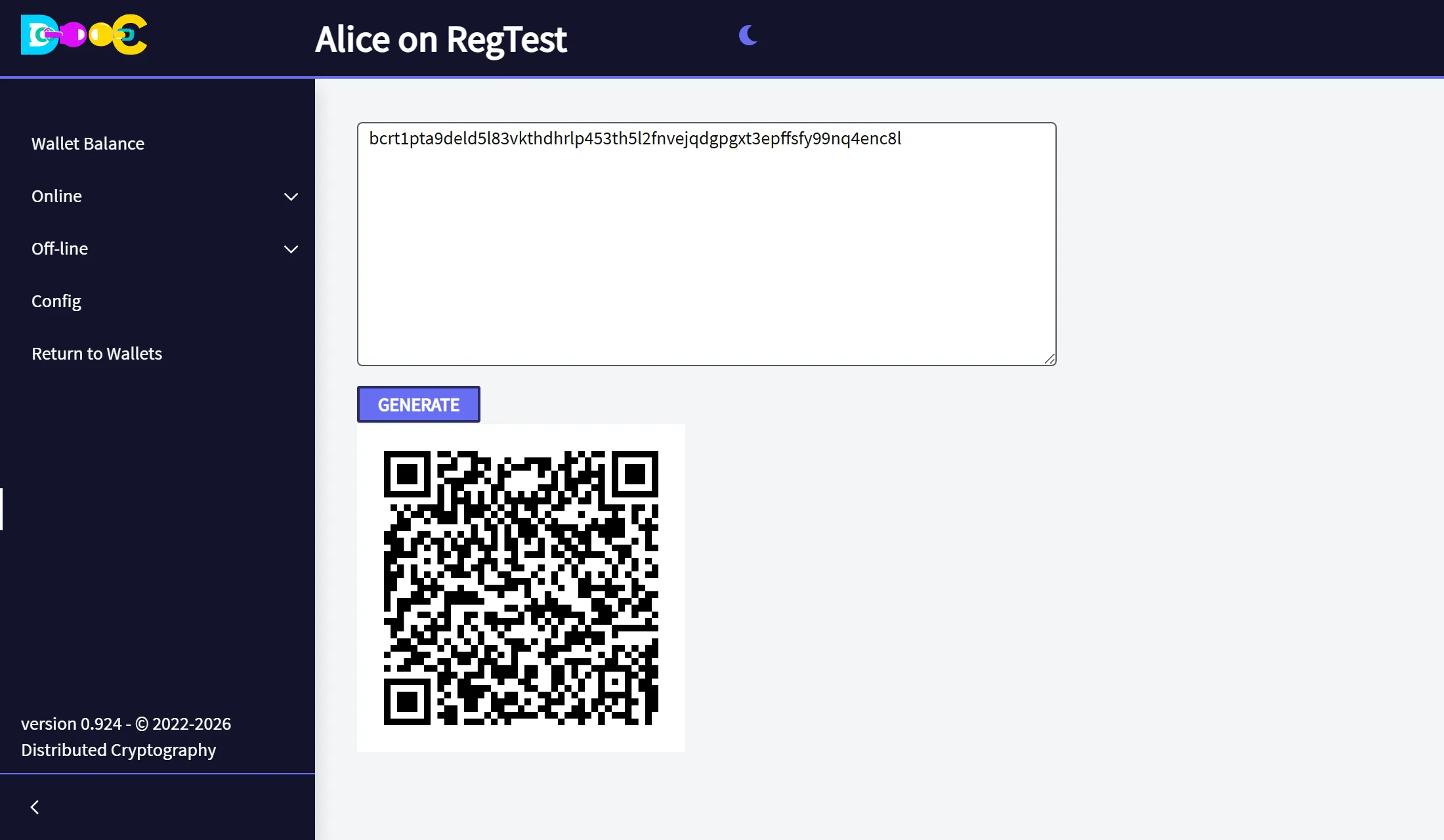
Off-line → Create QRCodes turns any text into a QR code: an address, a user name, a share of a secret. The code is made on your computer, so the text is not sent to any web site.
-
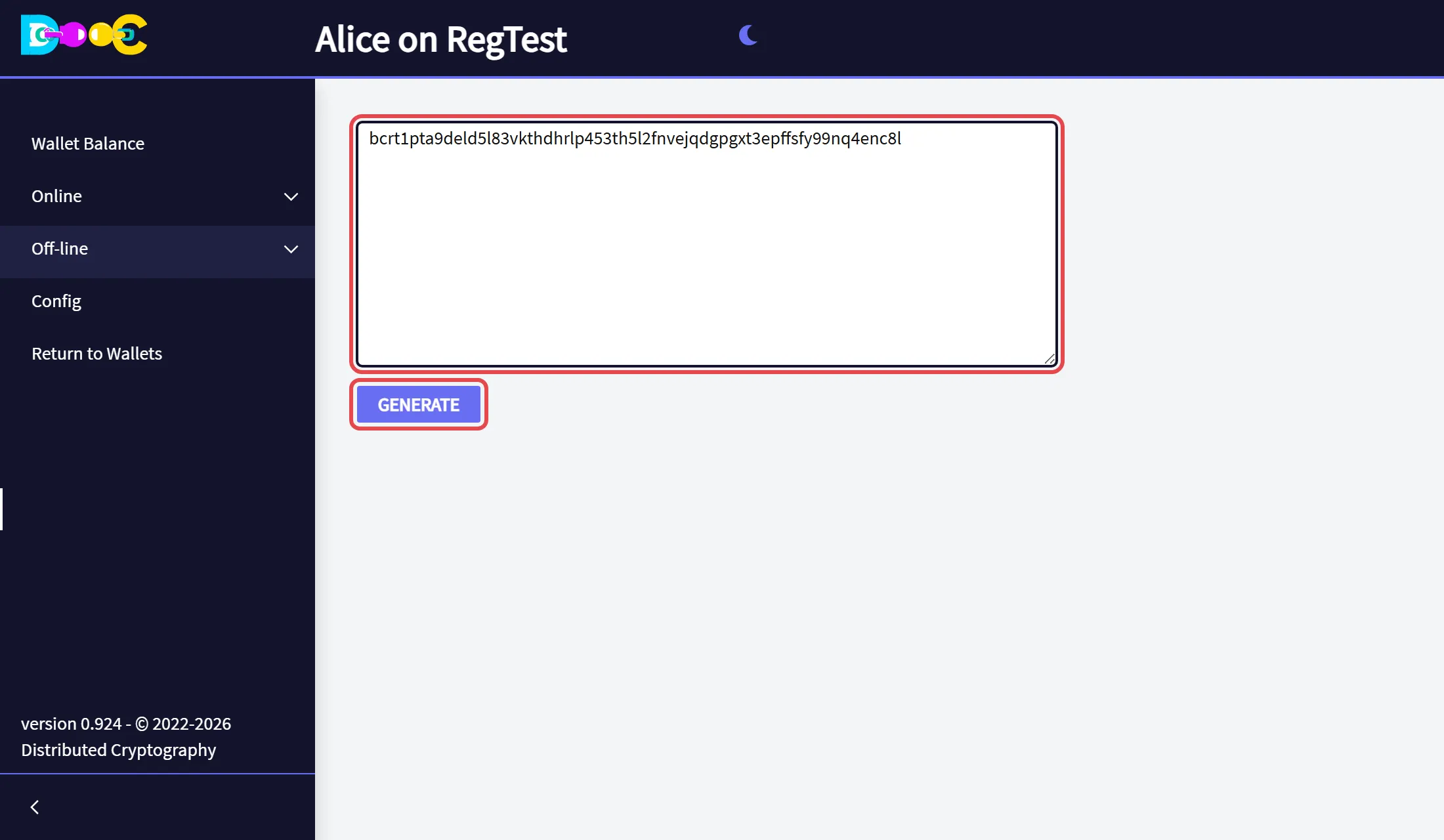
Open Off-line → Create QRCodes, type or paste the text, and click Generate.
-
The QR code appears below. Save the picture with the right button of the mouse, or print the page.