
Encrypted notes
Off-line → Encrypted Notes keeps any number of private notes: codes, instructions for your family, account details, anything you would not leave in a plain text file.
Write a note
Section titled “Write a note”-
Open Off-line → Encrypted Notes and click Create a new note.
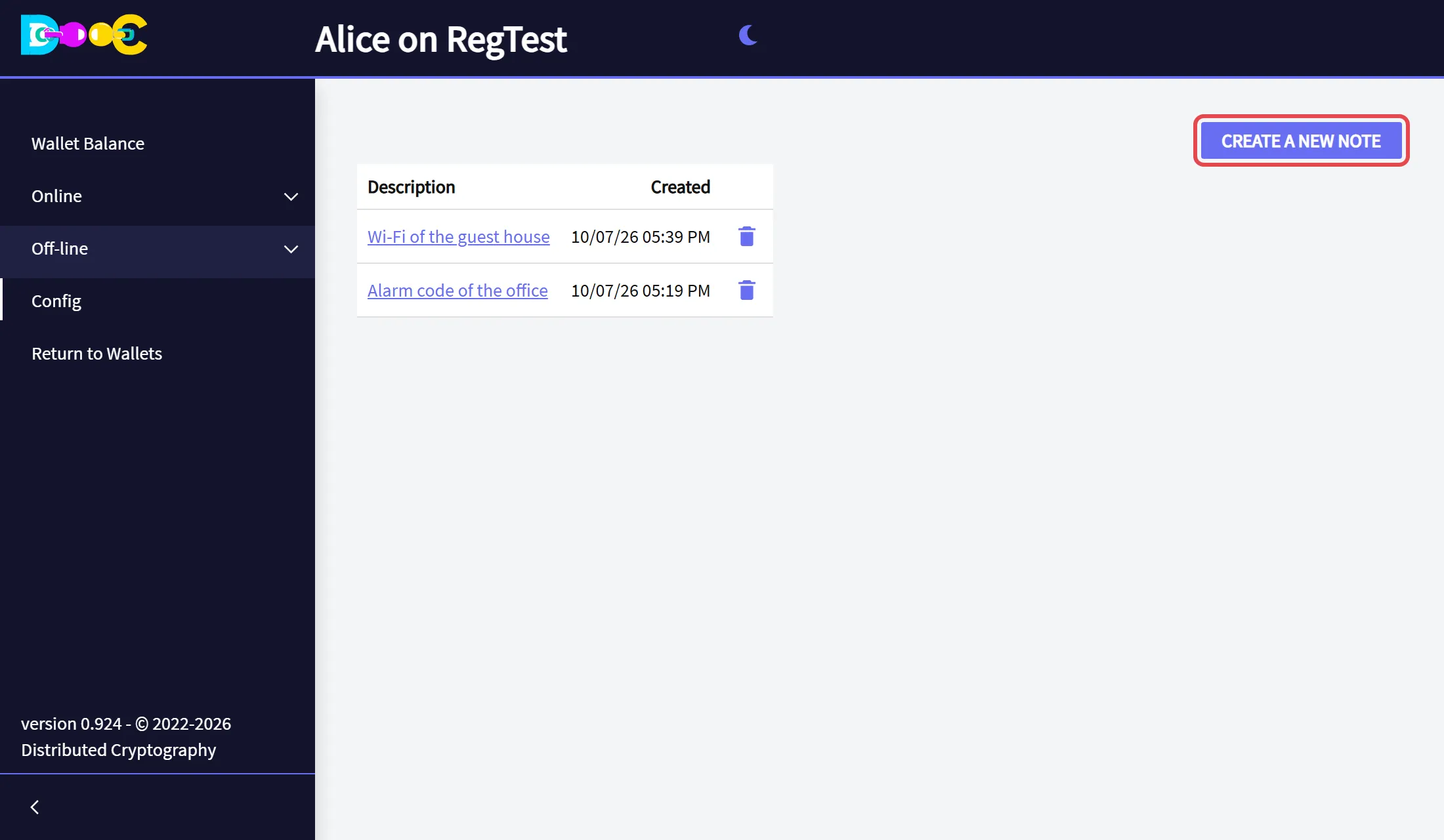
-
Type a description: it is the title you will see in the list. Write the note in the box below. You can use bold, italics, lists and links. Click Save.
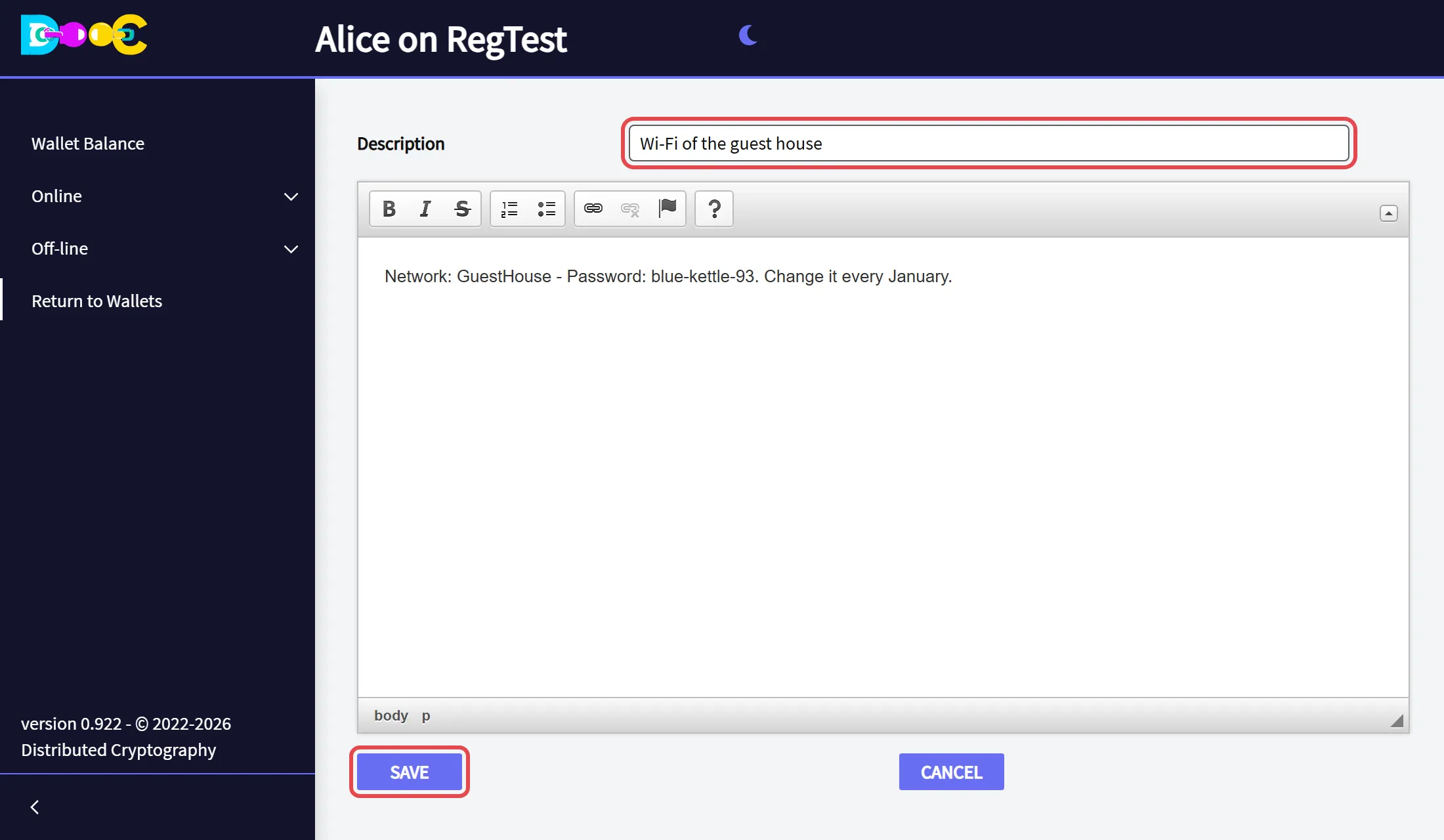
-
The note is in the list, with the date it was created.
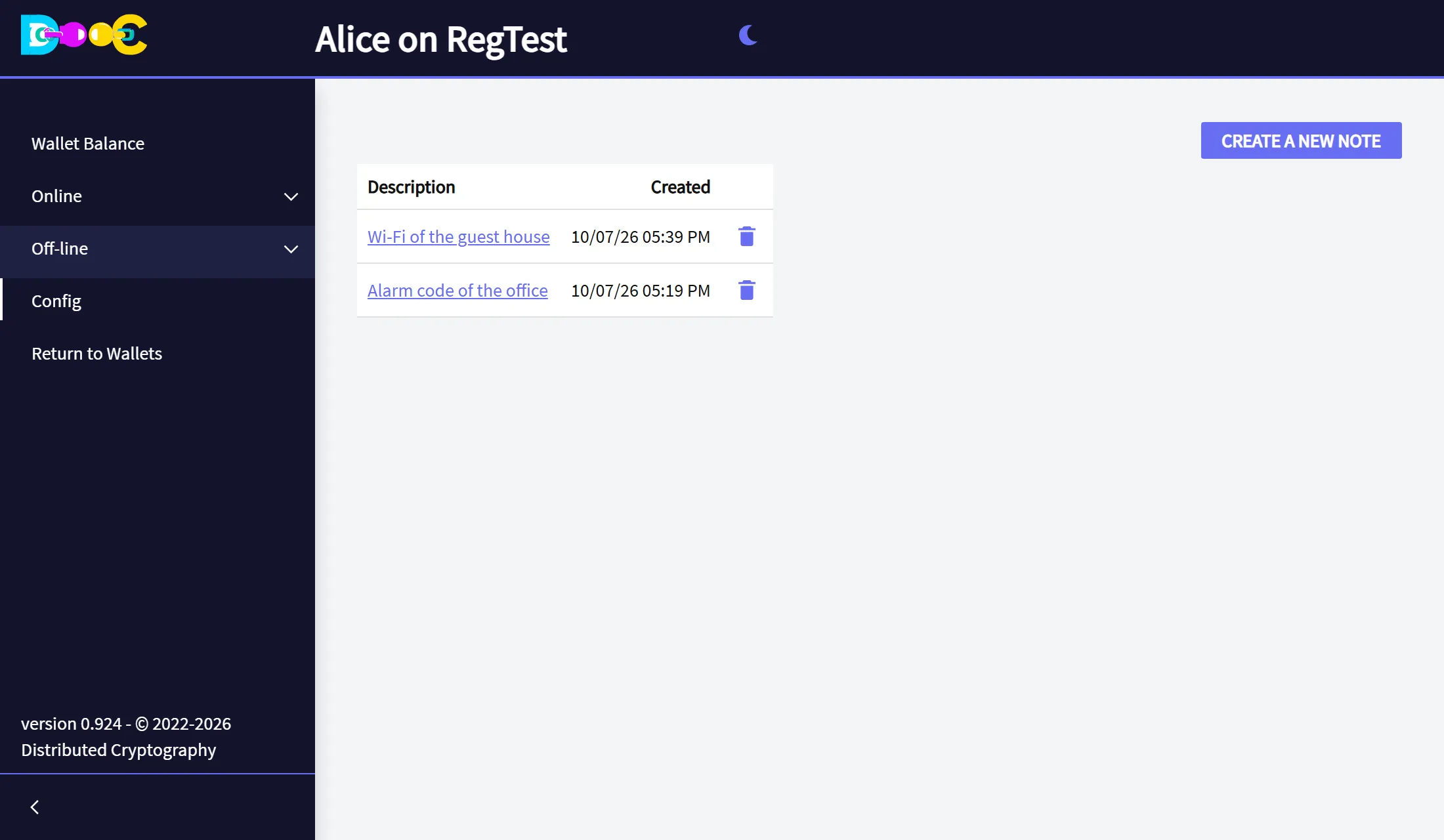
Read or change a note
Section titled “Read or change a note”Click its description in the list. Change what you need and click Save.
Delete a note
Section titled “Delete a note”Click the trash can on its row and confirm.
Good to know
Section titled “Good to know”- Each note is a separate encrypted file in your wallet folder. The description is encrypted with it.
- Notes are not copied anywhere else. Include your wallet folder in your backups.