
Anonymous login
The online features (contacts, chat, sending files and Smart Groups) need a connection to our servers. You log in anonymously: there is no form to fill in, no e-mail and no password to remember.
How to log in
Section titled “How to log in”-
Open your wallet with its password. In the menu on the left click Login.
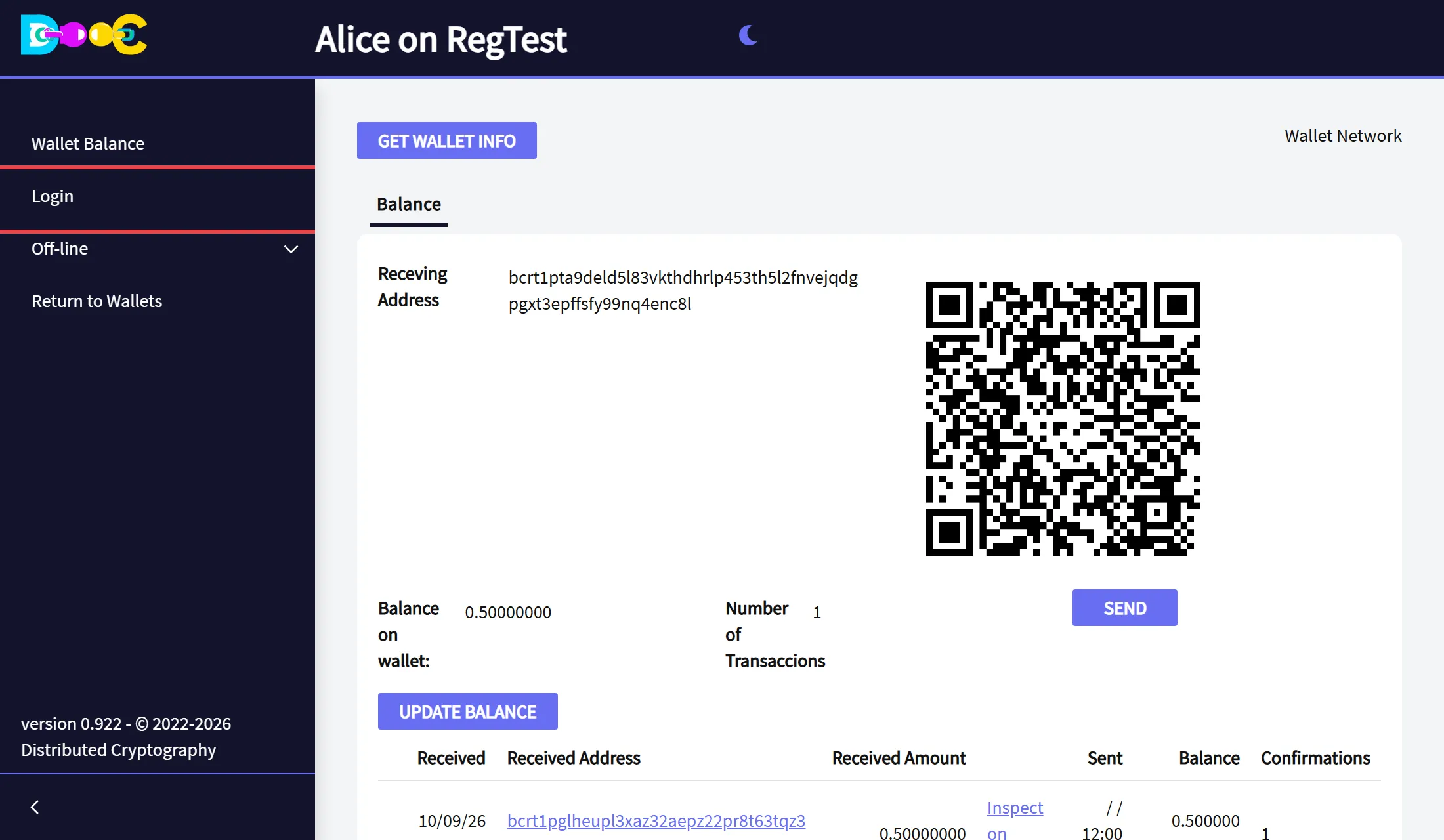
-
Click Login Anonymously.
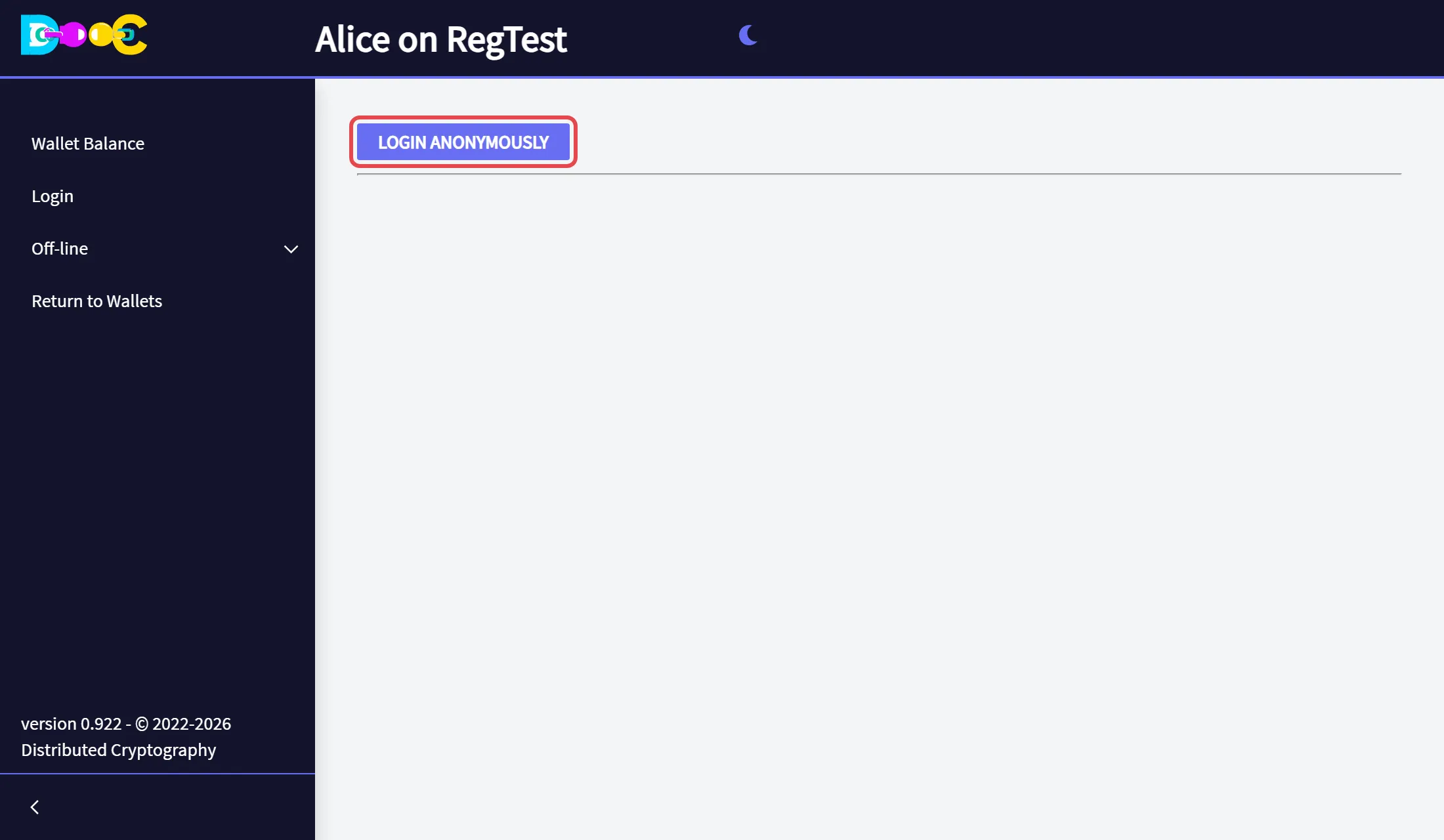
-
After a moment the page shows your user name, and the menu has a new entry, Online.
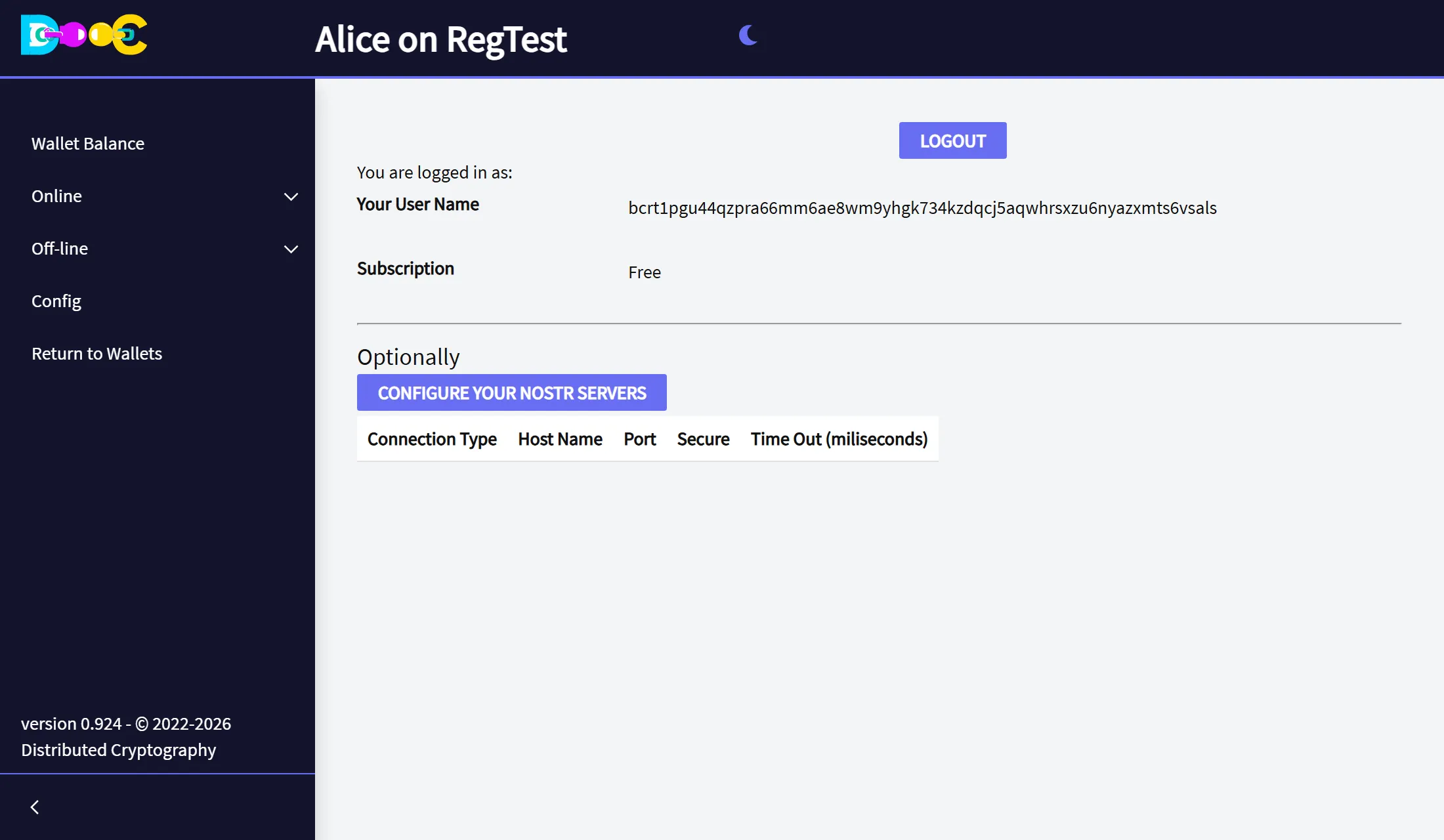
The Online menu has User Info (this page), Contacts, Smart Groups and File Encryption.
You stay logged in: the next time you open the wallet, Online is already there.
Your user name
Section titled “Your user name”Your user name is a long text that starts with bc1p (tb1p or bcrt1p on the test networks). It looks like a
bitcoin address because it is made the same way, from a key of your wallet that is only used for logging in. It
is not an address to receive bitcoin.
- Give your user name to the people you want to connect with. They need it to add you as a contact or to encrypt a file for you.
- The same wallet always has the same user name. If you restore your wallet on another computer and log in, you are the same user.
What happens when you log in
Section titled “What happens when you log in”The wallet proves to the server that it holds the key behind your user name, without sending any password:
- The server sends a challenge, a random number that can be used only once and only for 5 minutes.
- The wallet signs a short message with the key of your user name. The message holds the challenge and the name of the server. The signature follows BIP-322, the bitcoin standard for messages signed by an address.
- The server checks the signature. The first time, it also checks that the user name really is the address of that key, and creates your user.
- The server answers with a token, stored in an encrypted file inside your wallet folder. The token gives the application access to the online services for 24 hours. After that the wallet logs in again by itself.
Nothing secret travels: the challenge, the signature and your public key can be seen by anybody. A signature made for one server is refused by any other server, and it cannot be used twice.
The login server is chosen per wallet in Config.
What the services do
Section titled “What the services do”- They check that a new contact really is the user it says it is.
- They keep an encrypted backup of your contacts and groups. It is encrypted on your computer before it is sent, so we cannot read it. See What our servers can see.
- They deliver encrypted messages between users.
Your own Nostr servers (optional)
Section titled “Your own Nostr servers (optional)”Chat messages travel over Nostr relays. Configure your Nostr servers, on the User Info page, lets you choose which relays your wallet uses. You do not need to change anything to start.
Log out
Section titled “Log out”Open Online → User Info and click Logout. You can log in again at any time, and you will be the same user.