
HSM
What is an HSM?
Section titled “What is an HSM?”An HSM (Hardware Security Module) is a dedicated physical device that creates, stores and protects cryptographic keys, and does the secure operations with them: encrypting, decrypting, signing and managing keys. Think of it as a tamper-proof vault for cryptographic secrets, used where security in software alone is not enough.
Our HSM is not, strictly speaking, hardware. It is a service of the wallet that does the same job: your programs ask it to sign or decrypt, and the keys never leave it. You can install it on a dedicated device such as a Raspberry Pi, or in its own virtual machine or container, and allow access only from the service that needs it.
Turn it on
Section titled “Turn it on”-
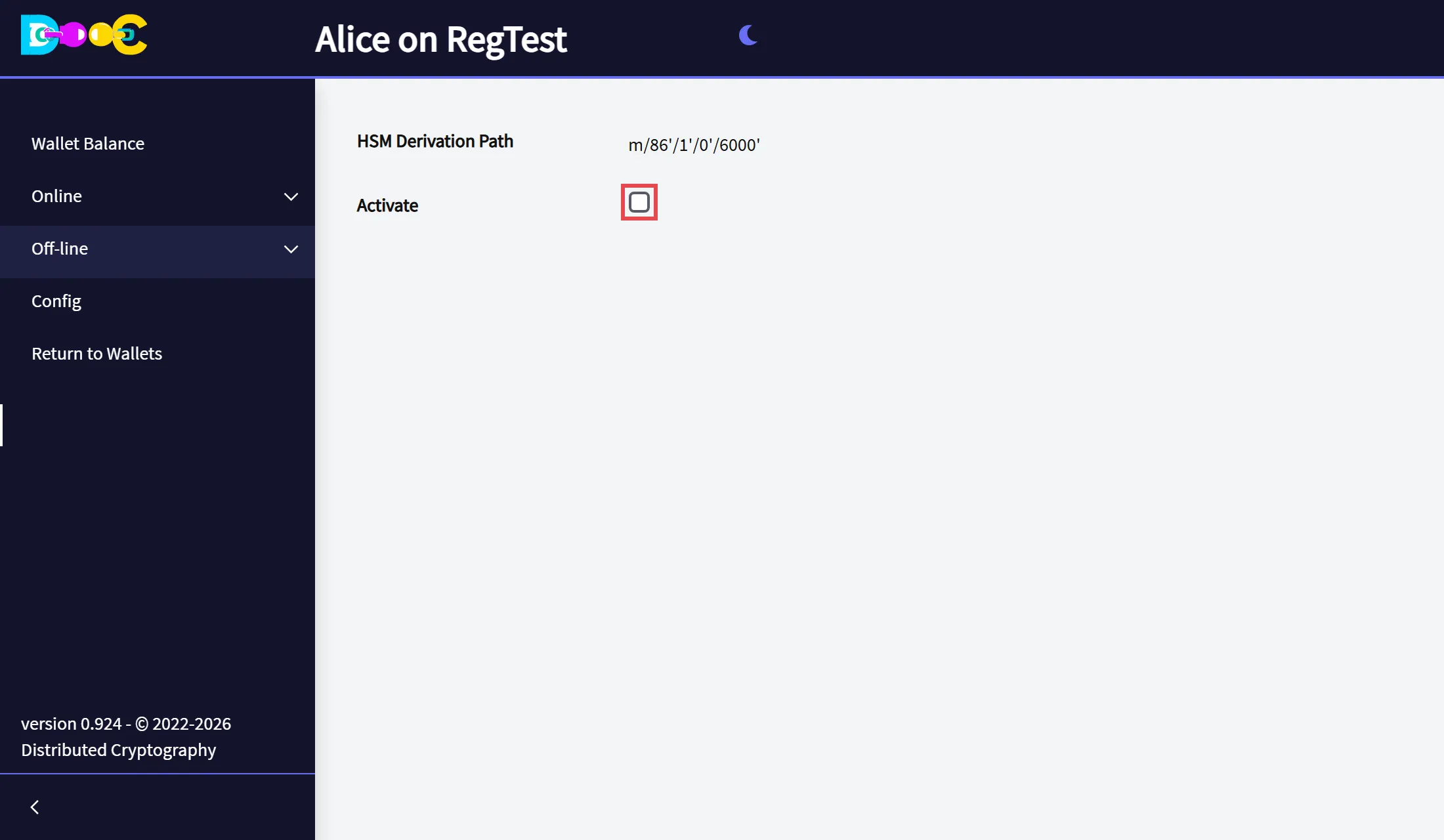
Open your wallet and open Off-line → HSM.
-
Tick Activate and click Save.
-
The app shows HSM Ready and goes back to the wallets page. Open the wallet again: the HSM starts when the wallet is unlocked.
The page shows the HSM derivation path: the keys the HSM uses come from that branch of your wallet, so they are covered by the same words and the same backups.
To turn it off, clear Activate and save.
Use it from your programs
Section titled “Use it from your programs”The HSM is a REST service at:
http://<the computer that runs the wallet>:5000/HSM/rest/...The description of the service (OpenAPI) is the file
HSM.rest.yaml. Use it
to generate a client or to see every operation and its parameters.