
Chat
You can chat with any contact that has accepted your invitation, or whose invitation you accepted.
Start a chat
Section titled “Start a chat”-
Open Online → Contacts and click the chat icon on the contact’s row.
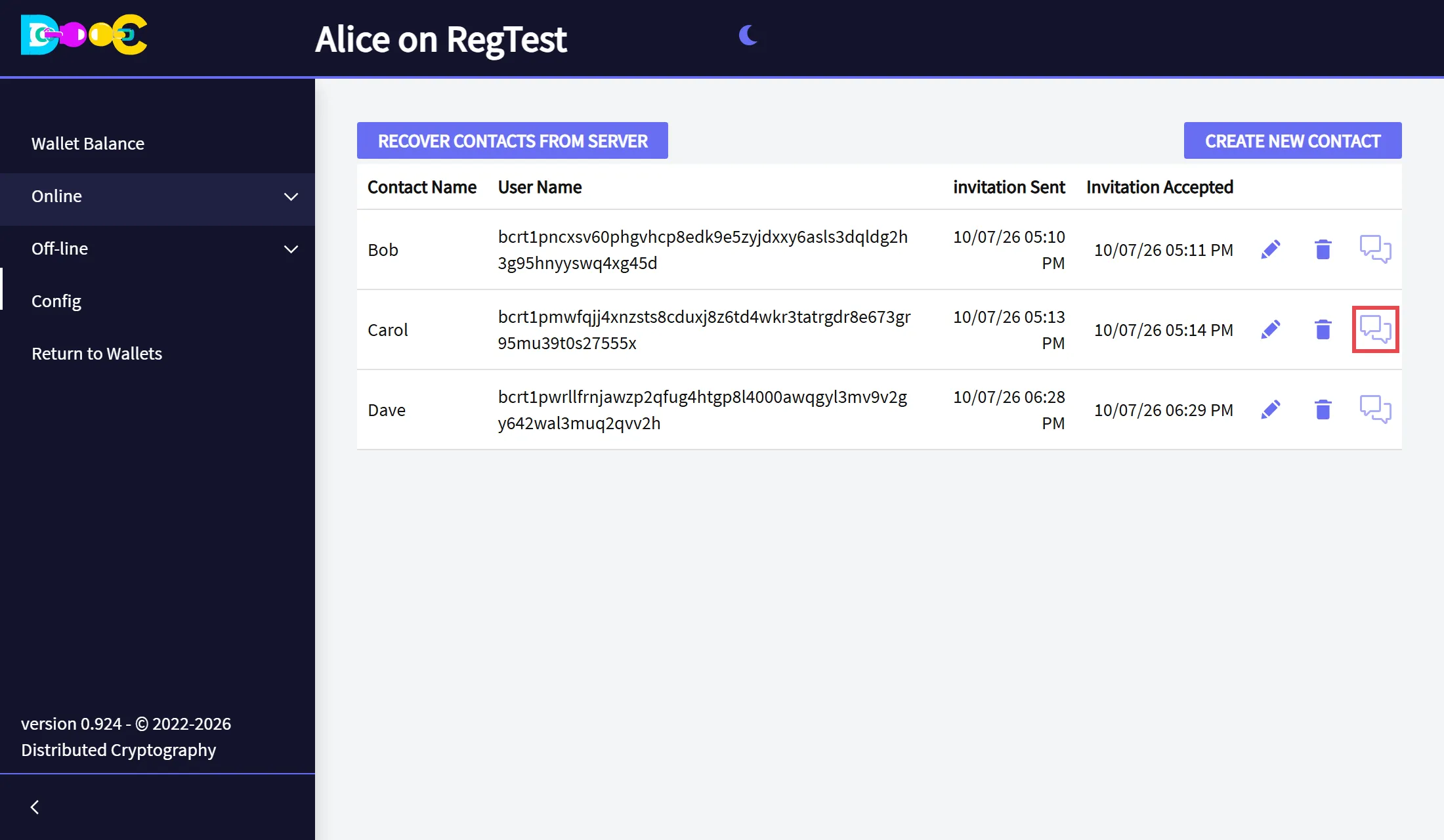
No chat icon? The invitation has not been accepted yet.
-
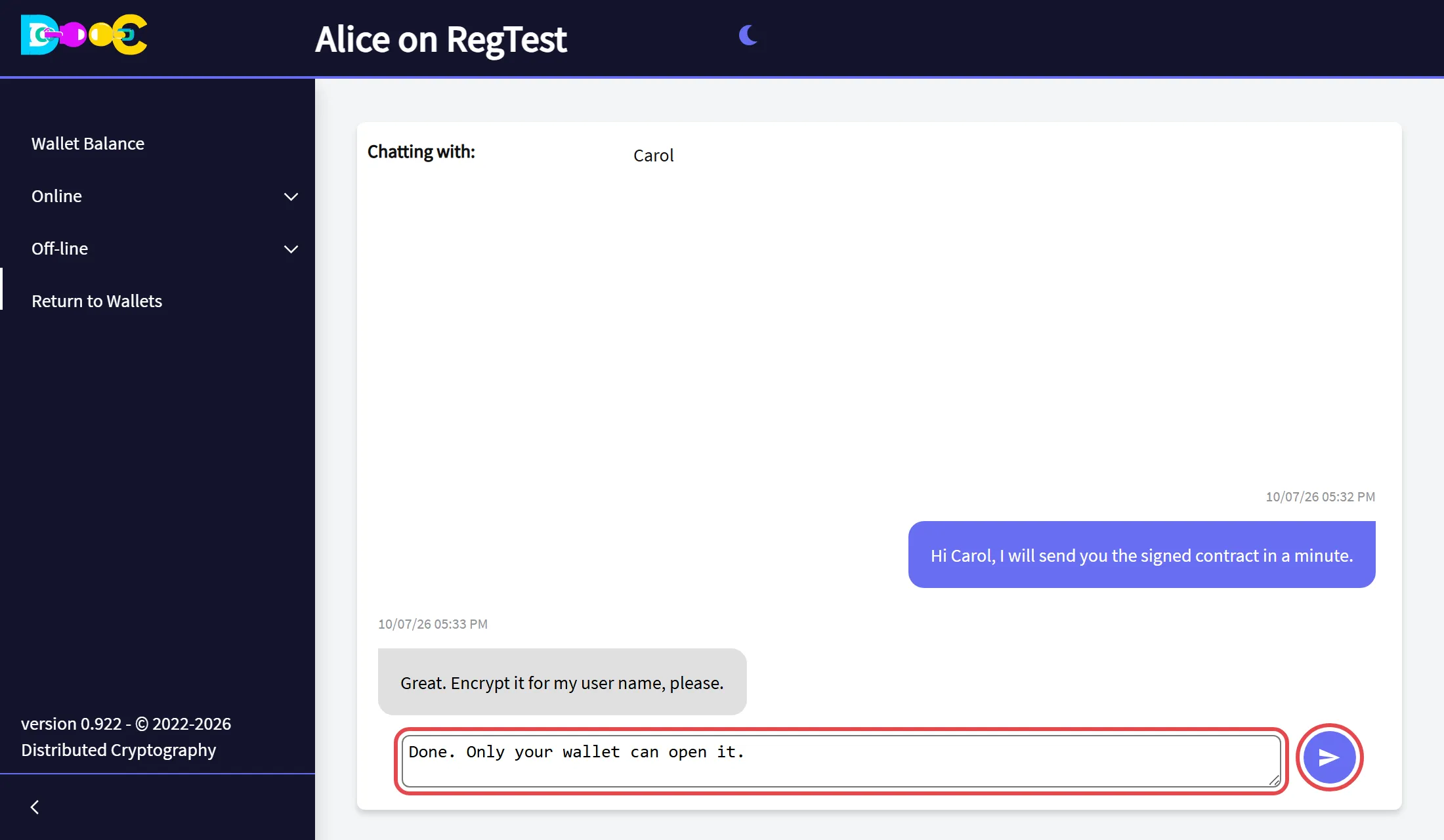
Type your message in the box at the bottom and click the send button.
-
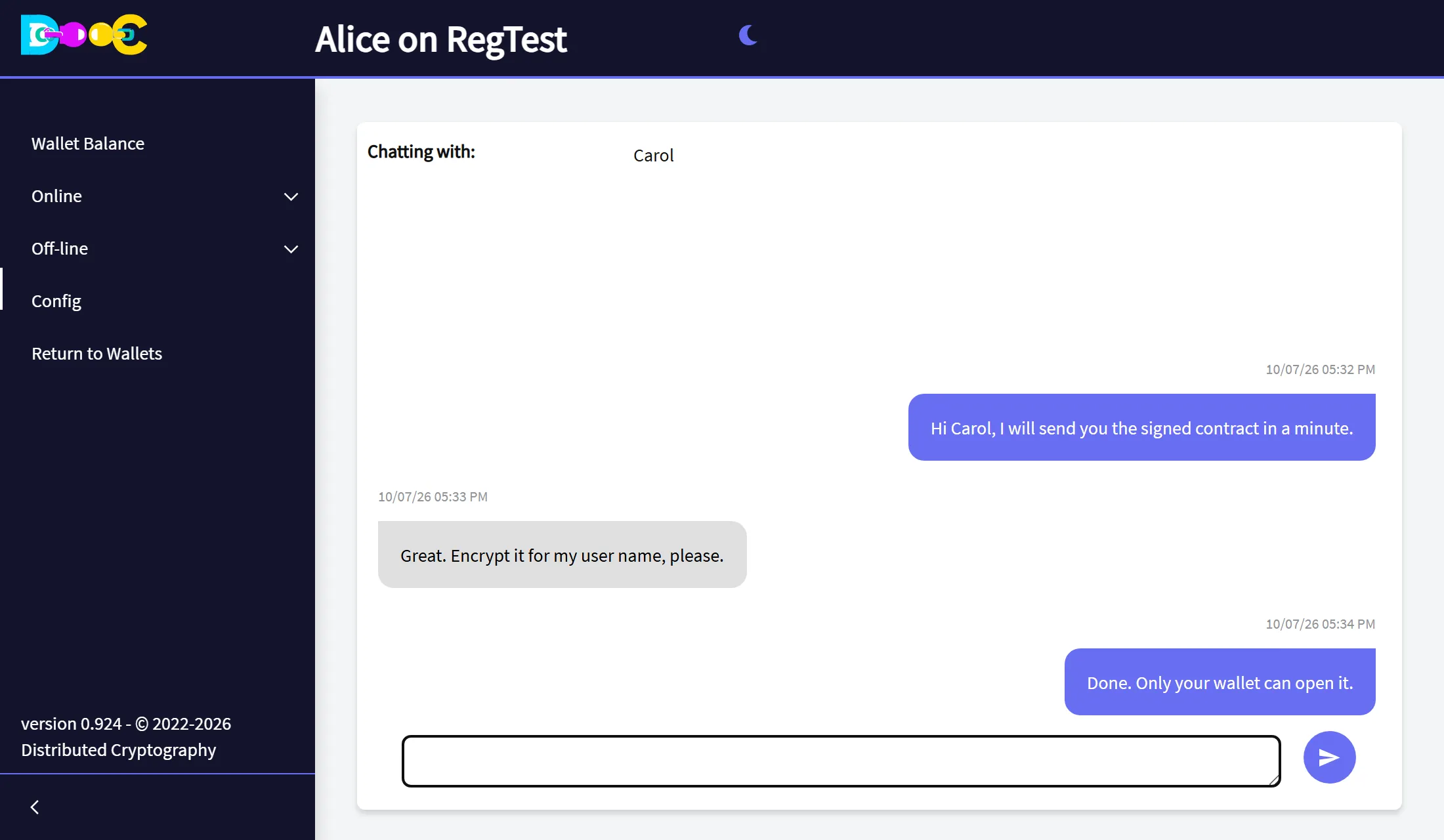
Your messages are on the right, in colour. The messages of your contact are on the left. Each one shows its date and time.
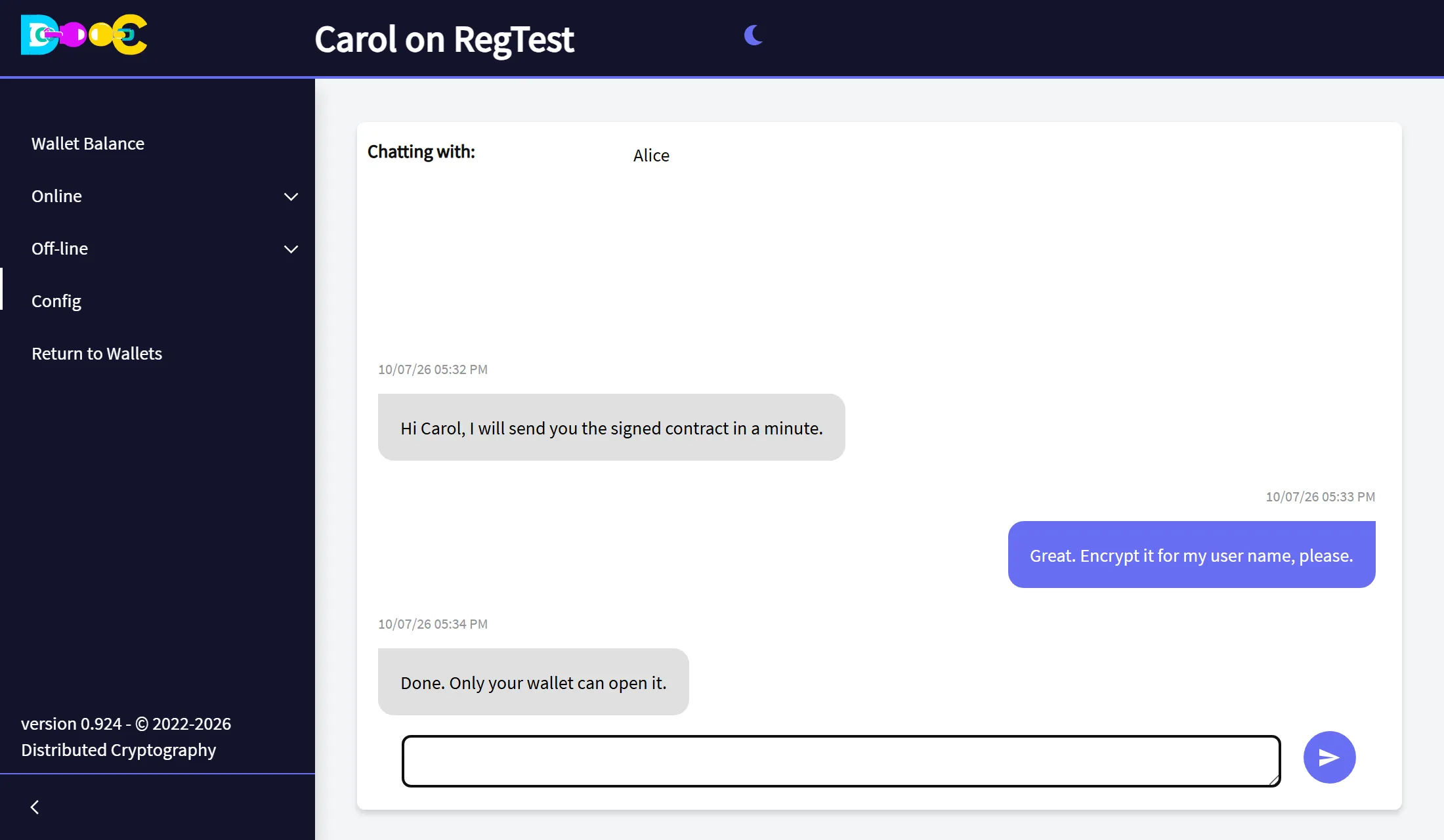
Your contact sees the same conversation the other way round:
If the chat is open when a message arrives, it appears right away. If you are on another page, the app shows a notice that you received a chat from that contact.
How it is protected
Section titled “How it is protected”- Every message is encrypted on your computer for your contact’s chat key. Only their wallet can read it.
- Messages travel over Nostr relays. A relay only sees encrypted data.
- The history of each conversation is stored on your computer, in your wallet folder, encrypted with a key of your wallet.
Good to know
Section titled “Good to know”- Your contact does not have to be connected. The message waits on the relay and is delivered the next time they open their wallet.
- Messages from people who are not your contacts are ignored.
- There is no “delivered” or “read” mark.
- The history stays on the computer where the chat happened. It is not copied to our servers.
- You can choose which Nostr relays your wallet uses in Online → User Info.