

Skip to content

Self-custody,
without being alone.

A digital vault and Bitcoin wallet that runs on your own computer. Your keys never leave it. The people you trust can help you recover it, approve payments with you and inherit it, from wherever they are, right inside the app.

The difference

Everyone approves from their own app. Nothing to pass around.

Section titled “Everyone approves from their own app. Nothing to pass around.”

Sharing a backup, co-signing a payment or leaving an inheritance usually means exporting files, carrying them from one wallet to the next and hoping everybody knows the procedure. Here, each person simply opens their app.

The usual way

  1. One person prepares the transaction and exports it as a file.
  2. The file goes to the first signer by e-mail, USB stick or QR code.
  3. That signer imports it into their own wallet, signs, and exports it again.
  4. It goes on to the next signer. And the next.
  5. Someone collects the signatures, combines them and sends the payment.

Everyone needs the same tools and the same know-how, and nobody can see where it got stuck.

With Distributed Cryptography

  1. You start the payment in the app.
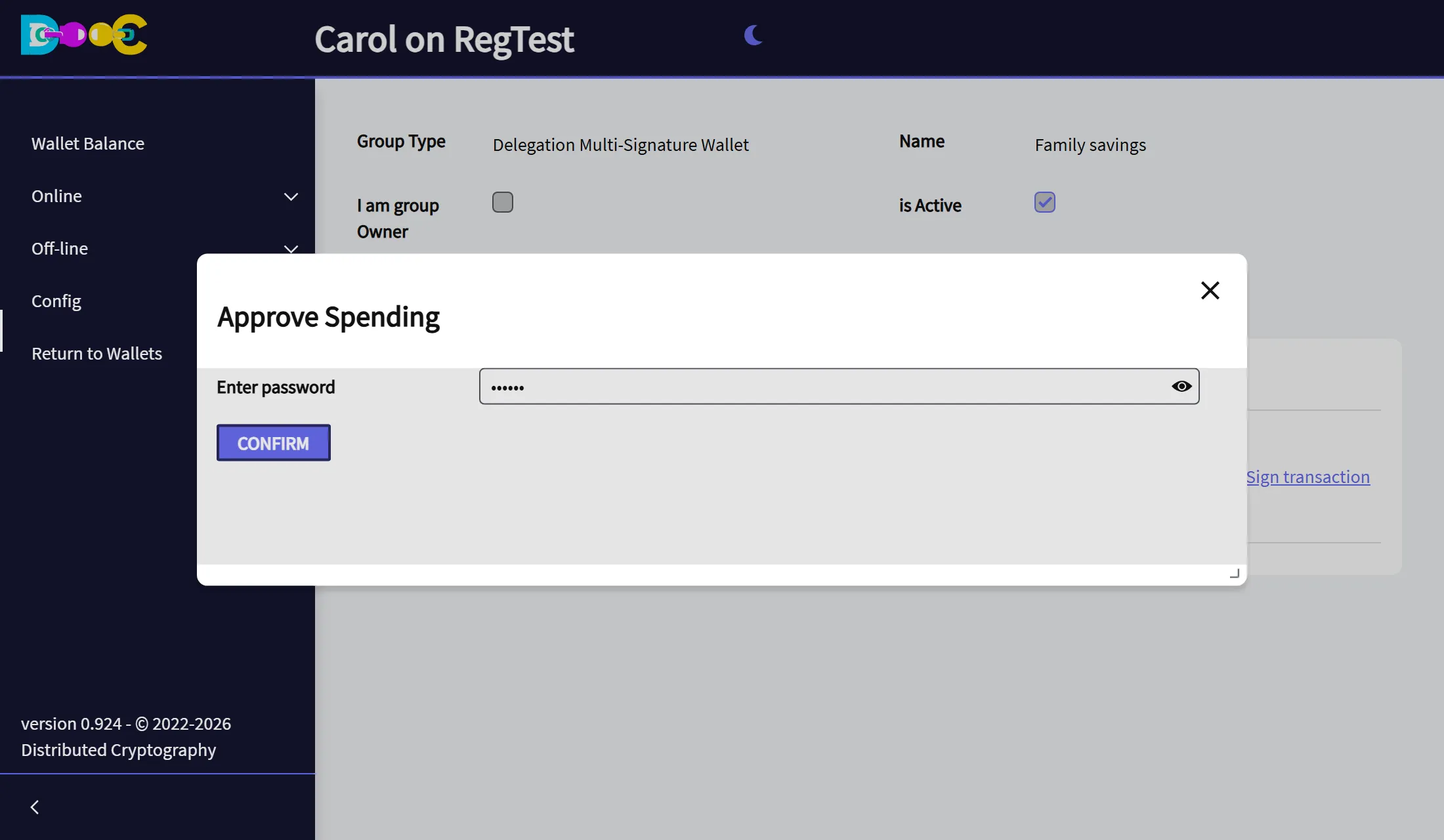
  2. Each signer opens their own app, finds the request waiting, checks it and approves with their password.
  3. The last approval sends it to the network.

No files to move, no meeting to arrange. Requests travel end-to-end encrypted, and everyone sees who has already signed.

It is the same for recovering a vault and for an inheritance: the people you chose approve from their own computers, in another city or another country, whenever they open the app. The app does the rest.

The Signatures tab of a group: two members have signed a payment and the app shows the message Transaction broadcast
Two people signed this payment, each from their own computer. The second signature sent it. Nobody exchanged a file.

What it is for

Recover your vault with people you trust

Consensus Backup splits the master key of your vault among friends, family or company officers. Nobody can restore it alone. Enough of them together can, each from their own app, and you are told as soon as someone starts.

On any computer, your bitcoin comes back with everything you keep online: your contacts and all your groups, with their shared wallets, backups and passwords.

How Consensus Backup works

Plan for the day you are not there

A Time-Encrypted Vault stays closed while you keep renewing it. If you stop, the group you chose can open it after the date you set. No lawyers, no notary and no third party holding your keys.

How the Time-Encrypted Vault works

Let others pay when you cannot

With Delegated Multisignature you keep paying alone, and K of the N people you trust can pay without you. Built on Taproot: lower fees, and the blockchain shows only the people who signed.

How Delegated Multisignature works

Require agreement for every payment

With Legacy Multisignature nobody pays alone: K of the N members approve each payment. The app collects the signatures for you; there is nothing to export or combine.

How Legacy Multisignature works

Three steps

  1. Install it on your own computer. Windows, Mac, Linux or Docker. Create your vault: the keys are made there and stay there, encrypted with your password.

  2. Connect with the people you trust. You log in anonymously, with a key of your wallet instead of your name or e-mail, and add them as contacts.

  3. Create a Smart Group. Choose who is in it and how many of them must agree. From then on, every backup, payment and recovery is an approval in their app.

Why trust it

Your keys stay on your computer

The app runs on your PC or server, not on ours. There is no account to open and nothing to hand over.

We cannot read what you store

Everything is encrypted on your computer before it leaves it. Our servers only deliver messages they cannot open. What our servers can see

Standard Bitcoin

Published standards only: BIP 32, 39, 44, 49, 84, 86, 341 and 342, with Argon2id and AES-256-GCM. Your money does not depend on our software. The standards we use

And also

Encrypt more than bitcoin

Encrypted notes, files, passwords and authenticator backups, a secret splitter and QR codes. They all work offline, on your computer. Offline tools

Talk and share in private

End-to-end encrypted chat and files between users, and a password vault where you decide which member sees which password. Online features

It installs on the computer you already have. Create a vault, try the offline tools, then invite the first person you trust.