
Split a secret
Off-line → Split a secret cuts any secret (a password, a list of words, a combination) into several shares. You decide how many shares there are, and how many are needed to rebuild the secret.
- Any group of shares that reaches the minimum rebuilds the secret.
- Fewer shares reveal nothing about it.
Example: 5 shares with a minimum of 3. You can lose two of them and still recover the secret, and someone who finds two of them learns nothing.
-
Open Off-line → Split a secret.
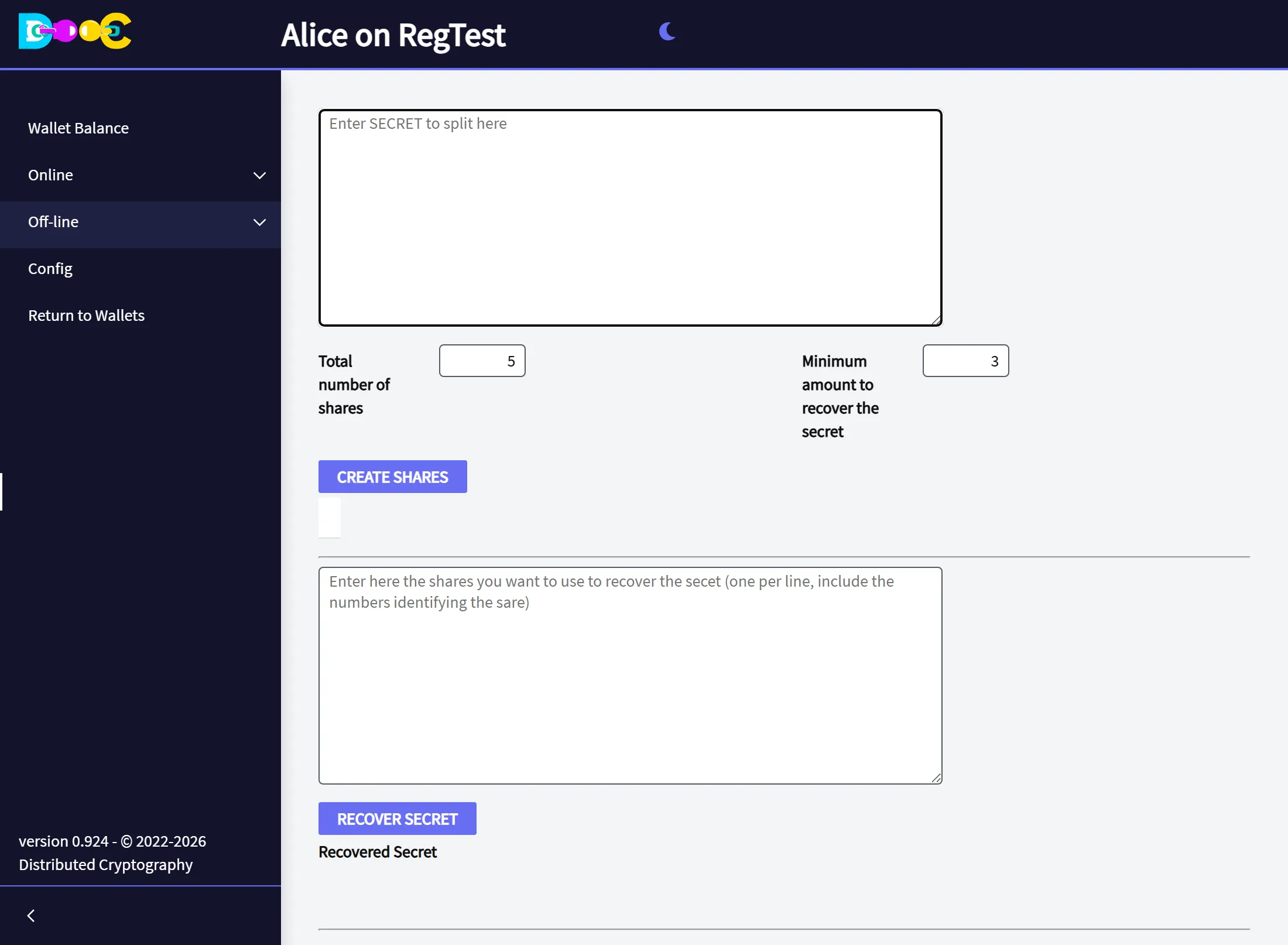
-
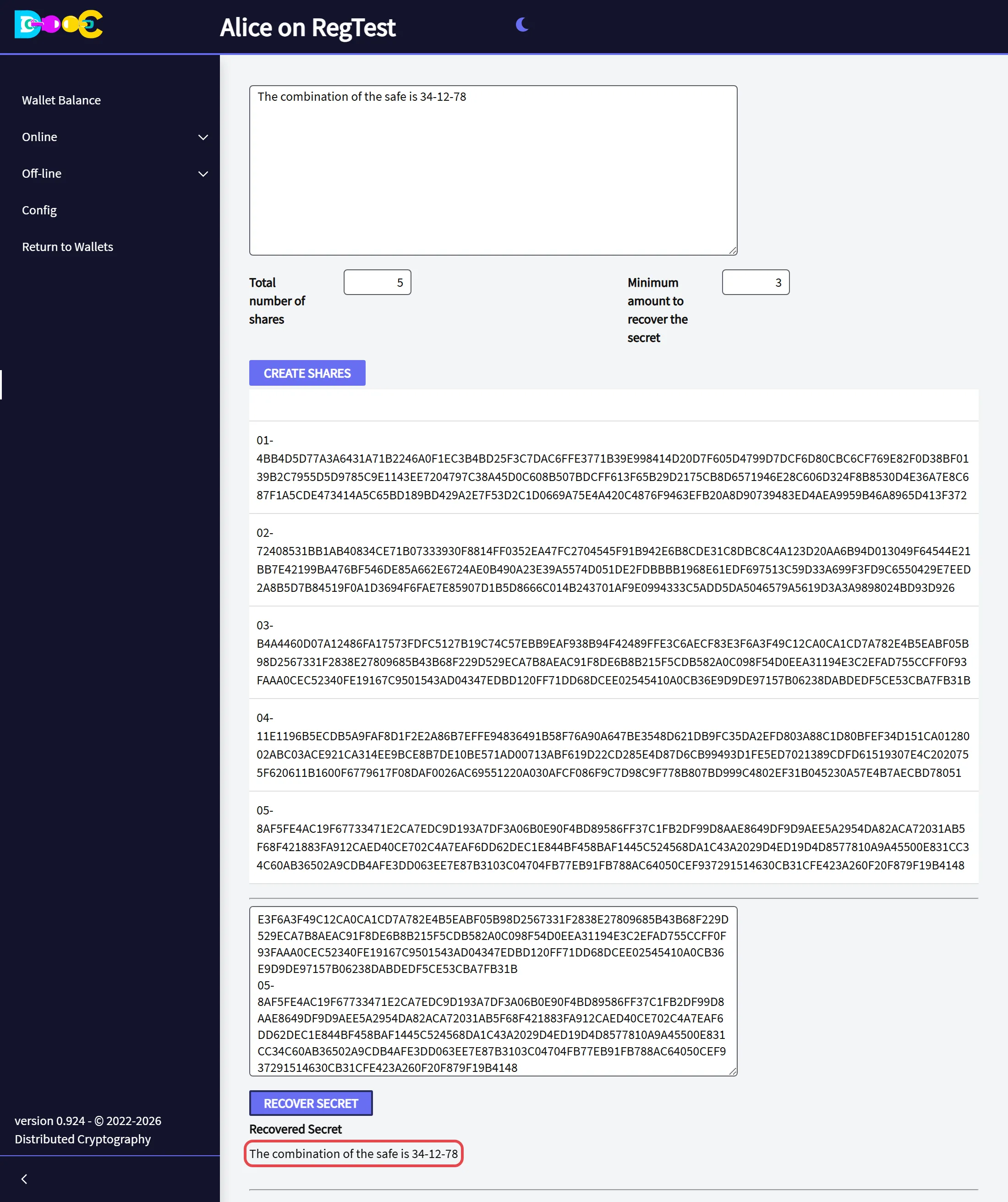
Type the secret. Set the total number of shares and the minimum amount to recover the secret. Click Create Shares.
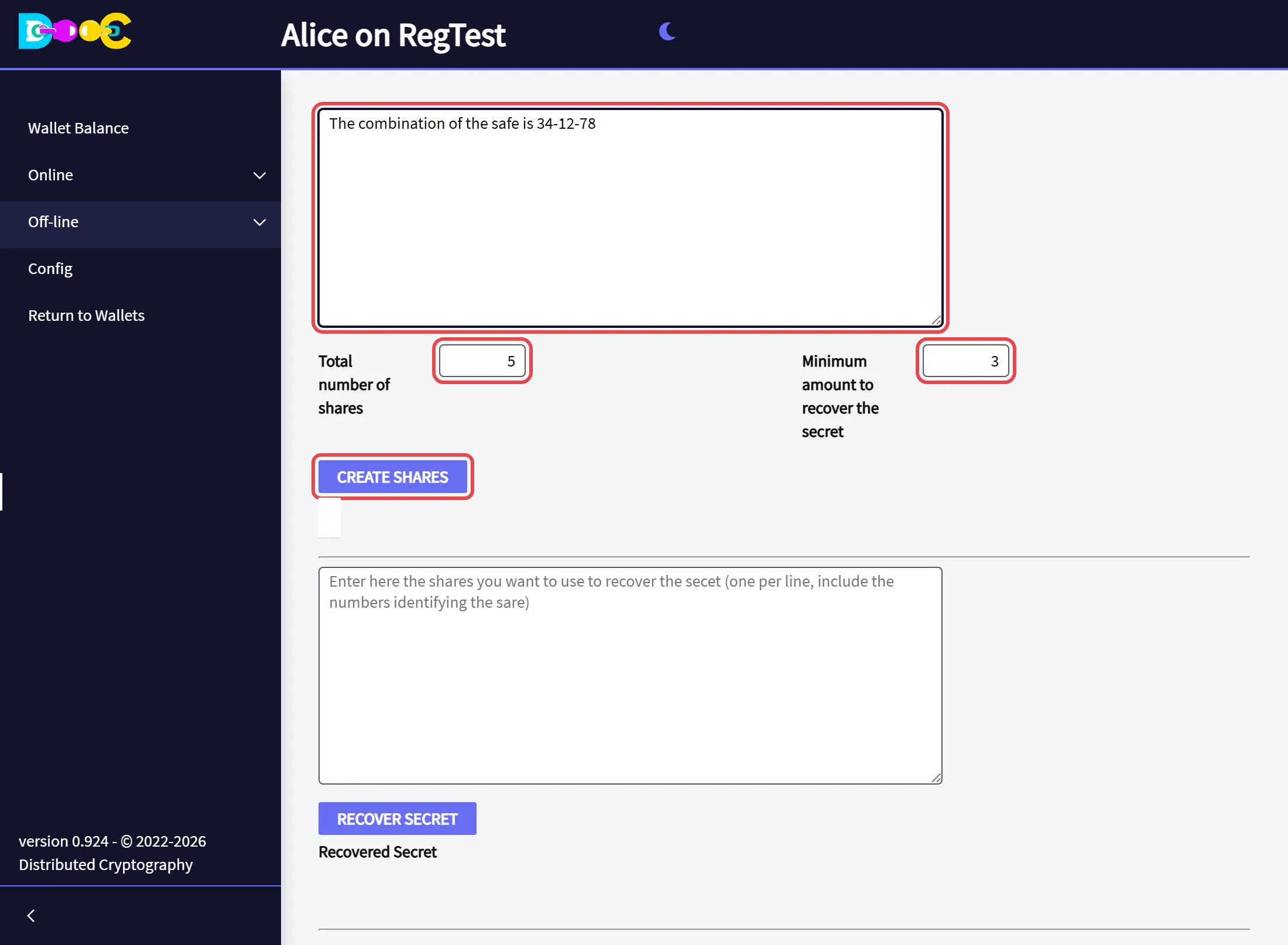
-
The shares appear below, one per box. Each share starts with its number (
01-,02-, …) followed by a long text.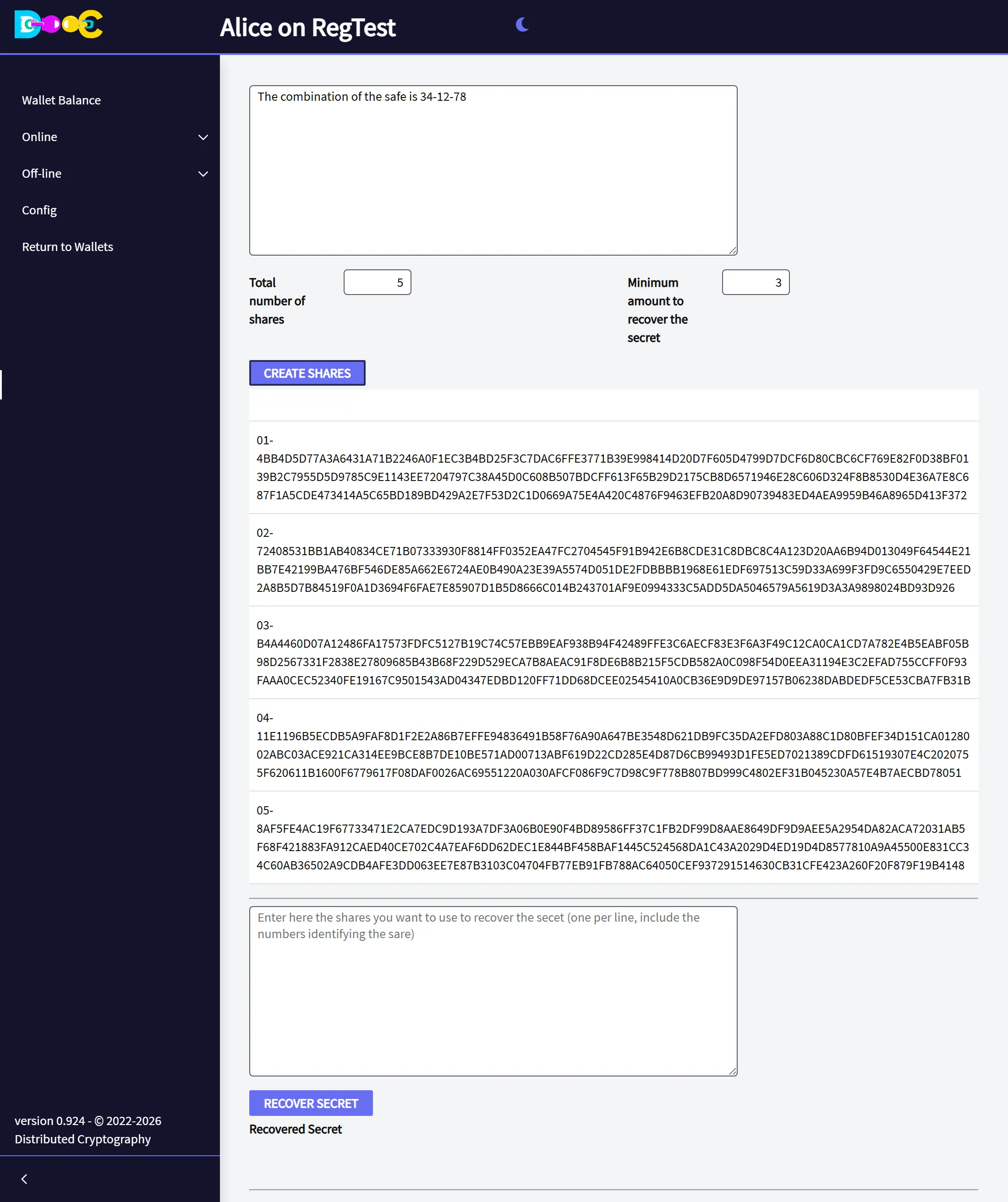
-
Give each share to a different person, or keep each one in a different place. Copy the whole share, including its number. You can turn a share into a picture with Create QRCodes.
Recover
Section titled “Recover”-
Open Off-line → Split a secret. In the second box, paste the shares you have, one per line, each with its number. You need at least the minimum. Click Recover Secret.
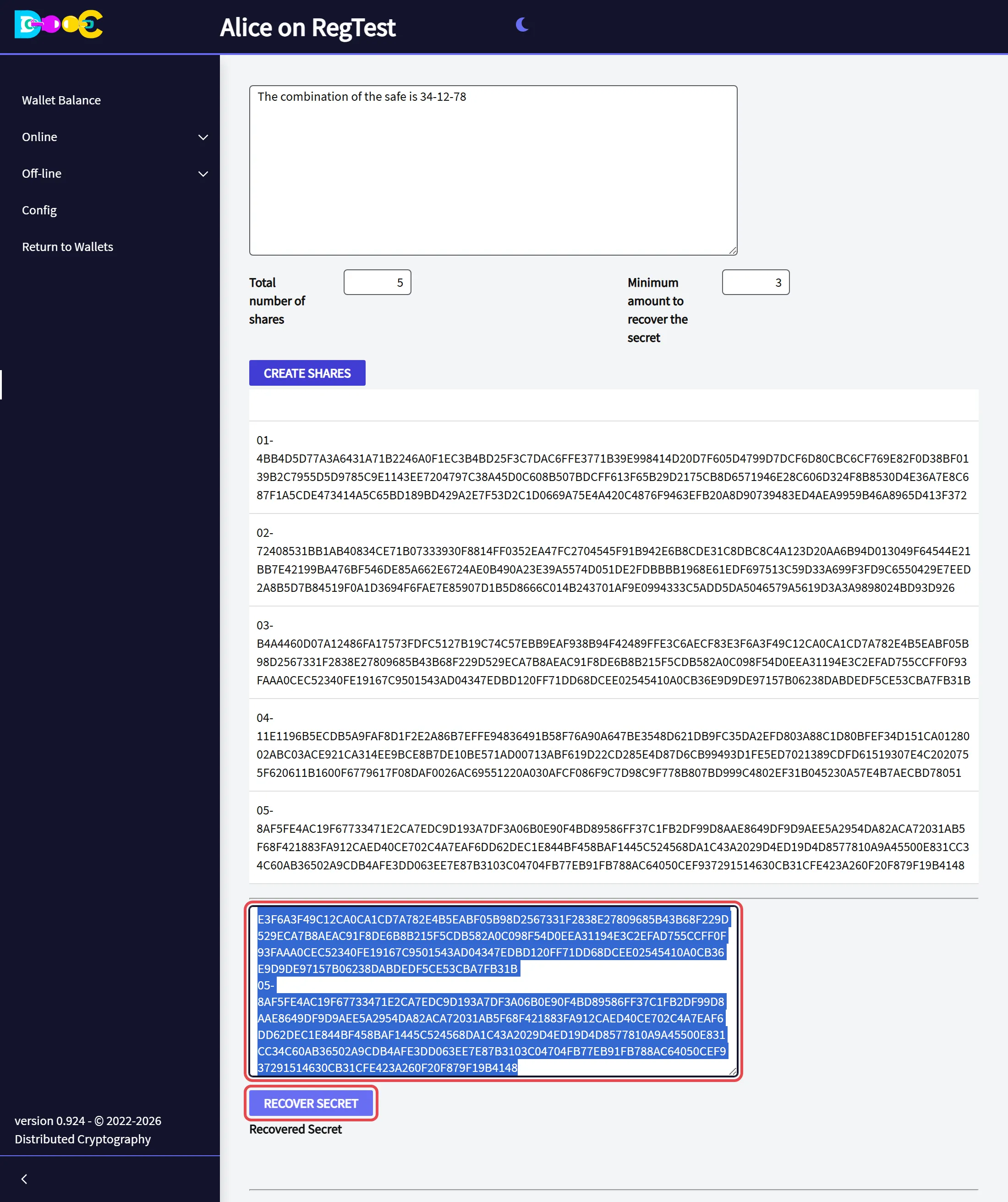
-
The secret appears under Recovered Secret.
If you paste fewer shares than the minimum, the page tells you there are not enough.
You do not need the wallet that made the shares: any wallet can recover the secret from them.