
Encrypted files
Off-line → Encrypted Files keeps files encrypted inside your wallet. Use it for documents you want to have at hand but never want lying around unprotected: scans of your papers, contracts, backups of other keys.
Add a file
Section titled “Add a file”-
Open Off-line → Encrypted Files. Click Add files… and choose the file, or drop it on Drop files here.
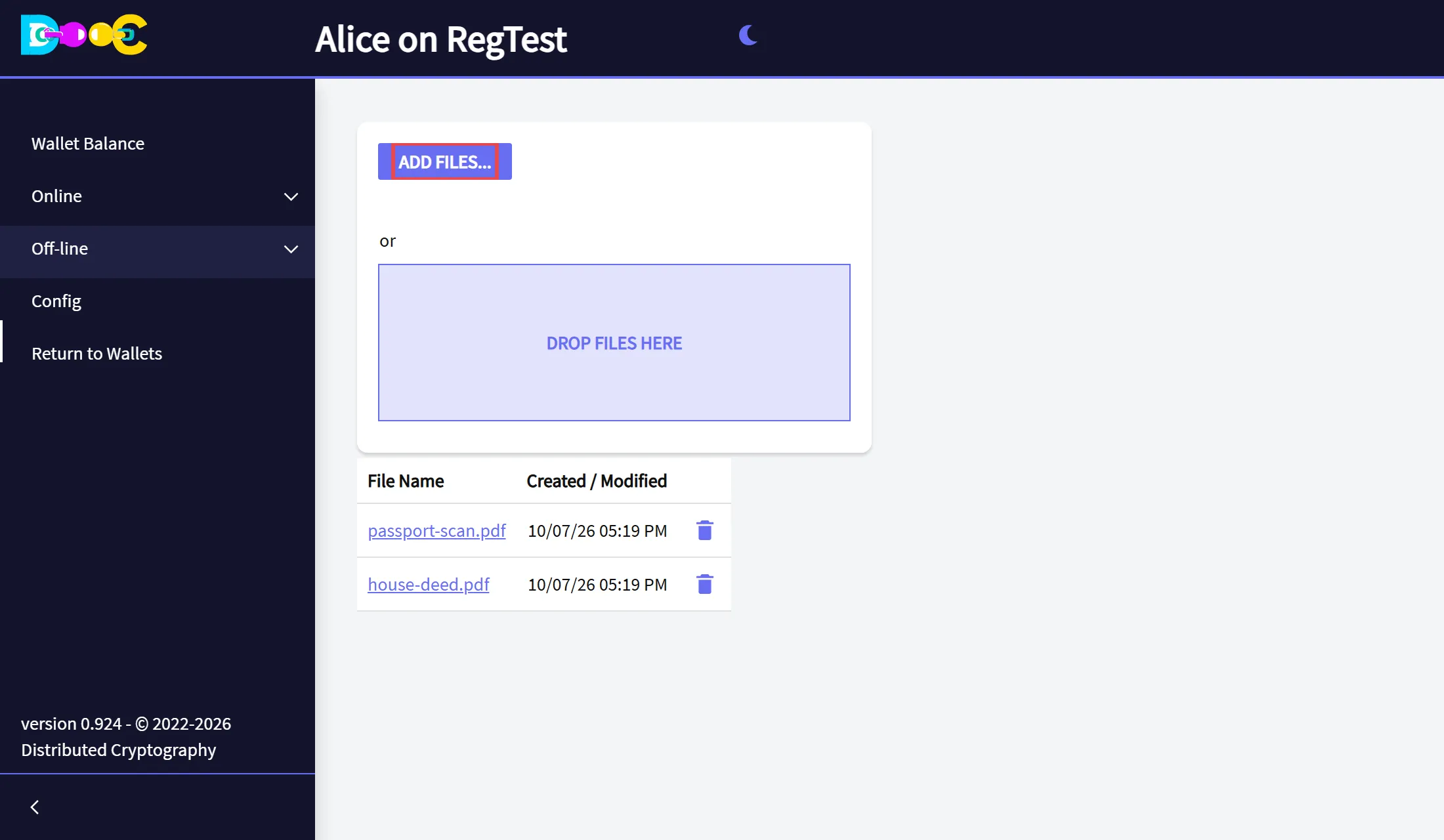
-
The file appears in the list with its name and its date.
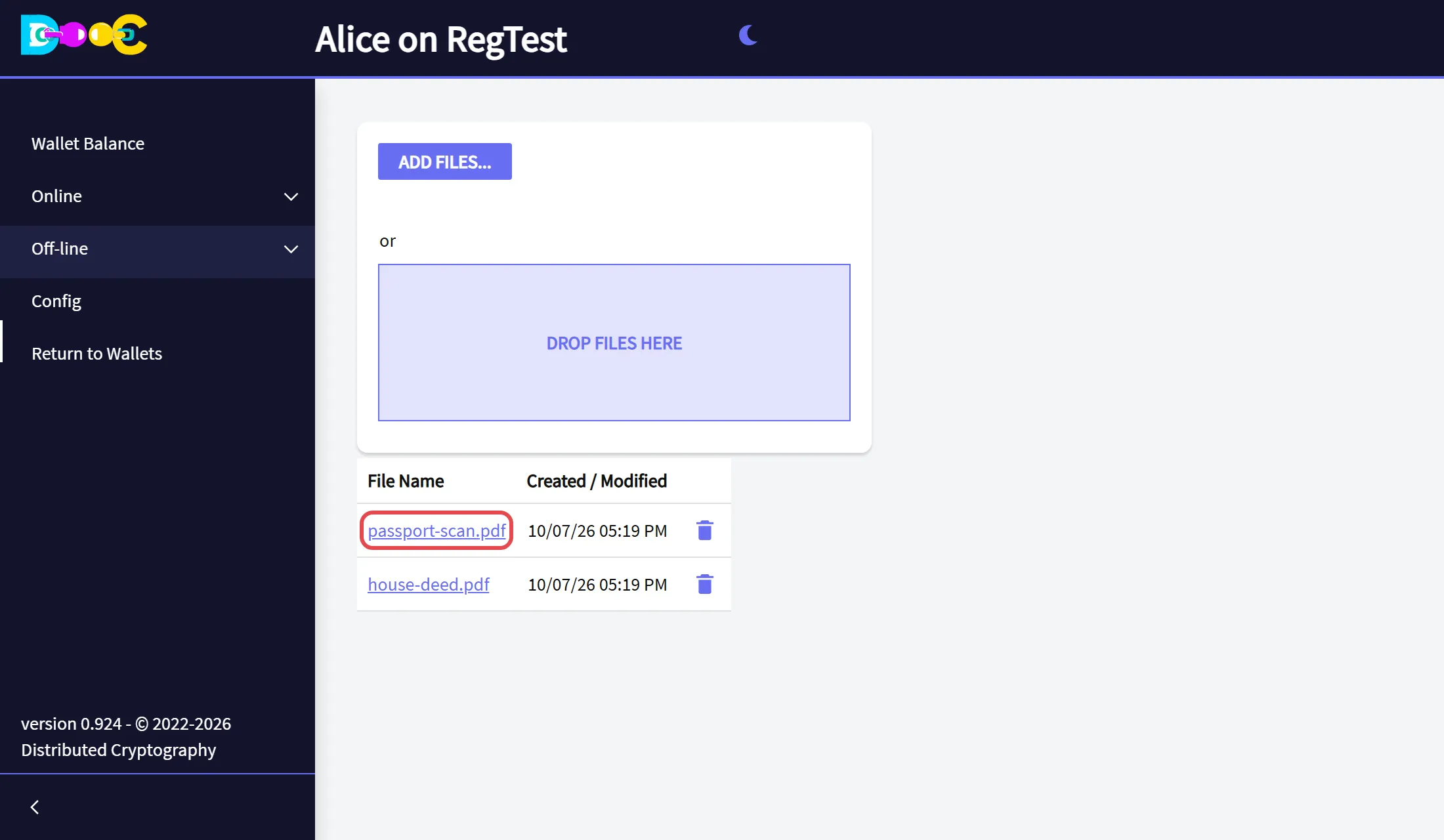
The file is encrypted for your own wallet and stored in your wallet folder under a random name. The name you see in the list is encrypted too.
The file you uploaded is still where it was on your disk, unencrypted. Delete that copy yourself if you only want to keep the encrypted one.
Get a file back
Section titled “Get a file back”Click the name of the file and confirm. Your browser downloads it, decrypted, with its original name.
Delete a file
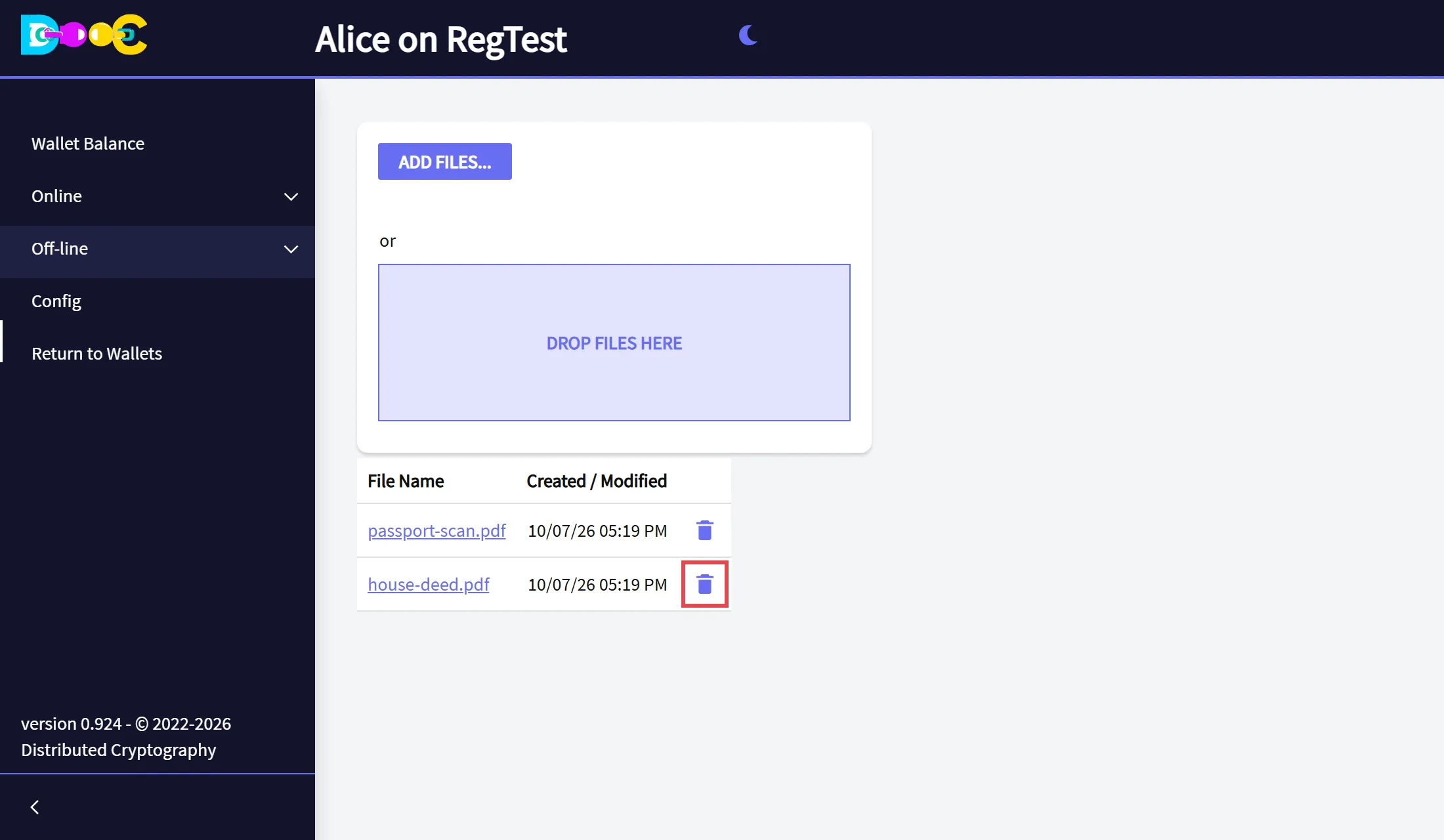
Section titled “Delete a file”Click the trash can on the file’s row and confirm.
Good to know
Section titled “Good to know”- The size limit in the browser is 1 GB per file. For larger files, use the exchange folder and encrypt the file for your own user name.
- Only your wallet can open these files. To give a file to another person, see Send encrypted files.
- The files live in your wallet folder. Include it in your backups: your words do not bring the files back.
- Any change to a stored file is detected when you open it. A damaged file is rejected, never half-opened.